Click Fraud can occur either intentionally or unintentionally. If a visitor repeatedly clicks on an ad, it can lead to skewed statistics, unsatisfied advertisers, or suspensions from ad networks. Ad Commander can hide ads from visitors engaging in suspected click fraud.
Enabling Click Fraud Prevention
Click Fraud Prevention can be enabled in Settings under the Tracking tab.
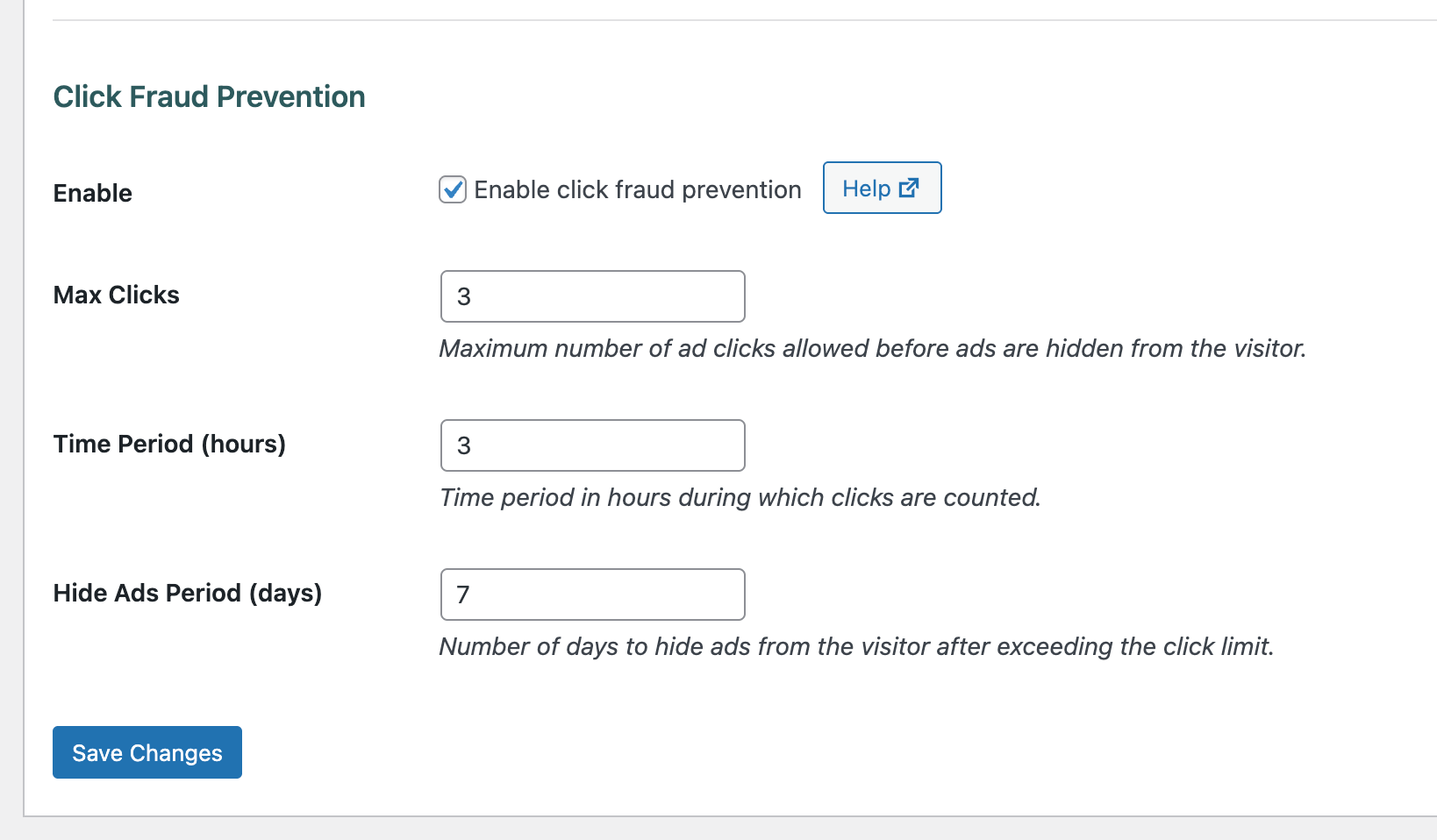
When you enable click fraud protection, you will also set the maximum number of allowed clicks, the number of hours over which those clicks will be counted, and the number of days to hide ads for.
How click fraud is prevented
Click Fraud is prevented using a browser cookie. Visitors’ IPs and other personal information are not stored on your server. When a user clicks one of your ads, the click is tracked in a browser cookie. If a user reaches the maximum clicks within the specified period of time, an additional cookie is set that will prevent ads from loading until that cookie expires.
Override for individual ads
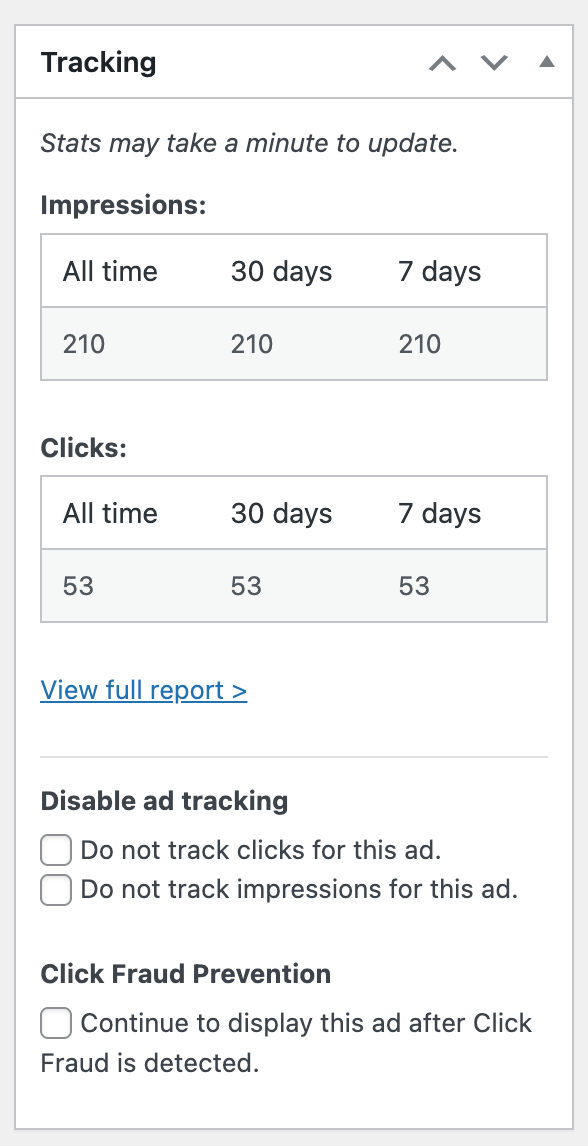
You may want some ads to continue to display even if Click Fraud is triggered. Some examples are script codes in your site’s <head> or <body> that are inserted by Ad Commander, or banner ads that don’t contain links.
To continue showing an ad even if click fraud prevention is triggered, check the box under the Tracking section on an individual ad:
A note on closeable ads
Some ad networks may display closeable ads or ads that are otherwise interactive without actually being “clicked.” These clicks are likely to also be counted by click fraud prevention. Ad Commander is not able to differentiate these types of clicks within your ad network ads. If you display closeable ads, consider a higher setting for maximum clicks to avoid triggering false positives.
Using click fraud prevention with page caching
Click Fraud prevention is compatible with any type of ad rendering setting. However, if you use server-side rendering and page caching, this could lead to ads not displaying when they should, or continuing to display after click fraud is triggered.
It’s recommended that you use client-side or smart rendering with Click Fraud Prevention. Smart rendering will force all ads to load client-side.
If you clicked your ads too many times, and ads are no longer displaying to you…
The easiest way to restore ads is to clear your browser cookies, or at least clear cookies for your domain. Disabling Click Fraud prevention will also allow ads to display again, but this will apply to all visitors.